Share a tool built with Claude, ChatGPT or Cursor: the 4 best options in 2026
Your AI just built you a tool, and you want your colleagues or a client to use it. We compared the four ways to share it in November 2026, and the right one mostly depends on who needs to use it, and with which account.
By Grégoire Mougeolle, co-founder of Nextmap. Facts checked on November 18, 2026.
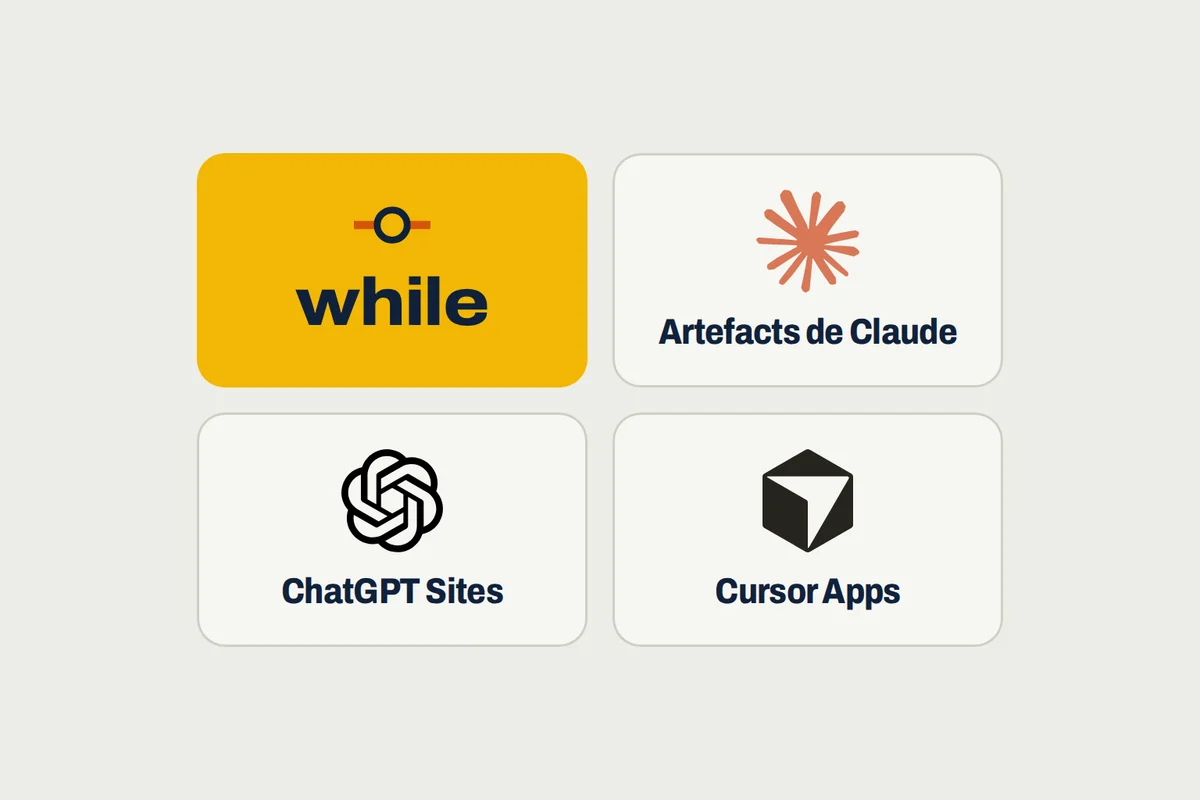
Building a tool with Claude, ChatGPT or Cursor now takes one conversation. Sharing it, on the other hand, means choosing: each AI offers its own way to make it available, and each one sets its own terms on who can use it and with which account.
We compared the four options that share a tool built by an AI without rebuilding it elsewhere: Claude artifacts, ChatGPT Sites, Cursor Apps and while.
The short version. For a tool your colleagues and clients use without an AI account, while. A client uses it with a link and a password, and the data is backed up every day in France. Stay in ChatGPT or Cursor only if everyone has an account there.
The 4 options at a glance
| Option | For whom | What the people using it need |
|---|---|---|
| while | A team tool, built with any AI | A while account, or their email account on the Pro plan; a link and a password for a client |
| Claude artifacts | Showing a simple tool quickly | Nothing for a public link; a Claude Team or Enterprise account for internal sharing |
| ChatGPT Sites | A site with its own data, inside ChatGPT | Access granted by you, and their own connected accounts |
| Cursor Apps | A team that works in Cursor | A Cursor account, except for a public tool |
Try while on your tool, no sign-up. Copy the message
What makes a good way to share
A shared tool is for people other than you. So we looked at each option from the side of the people using it, with five questions:
- Who can use it. Only your colleagues, a client, or everyone.
- The account they need. An account with the AI that built the tool often means a subscription per person.
- The data. A team tool keeps what people enter, and you need to be able to get it back.
- The original AI. Does the tool stay tied to the AI that built it, or can it move.
- Control. Who approves opening it to everyone, and where the credentials for your other software live.
For a team tool, built with any AI: while
We built while for this case: the tool your AI built has to serve other people, and those people do not all have a Claude, ChatGPT or Cursor account. Your AI, whichever it is, puts the tool on while, and it has its address within minutes.
You, to your AI: Put this tool on while, and share it with my colleagues.
Then you choose who uses it:
- Only your colleagues. They sign in with no AI account: with a while account for up to 3 people, or, on the Pro plan, with their email account, Google or Microsoft, however many they are. See restricting a tool to your colleagues.
- A client or a supplier. They use the tool with an access link and a password, valid for 1, 7 or 30 days.
- Everyone. A person on your team approves opening it first.

The tool keeps its data, backed up every day, and can run its automations at a set time. The credentials for your other software stay in while, and your AI never sees them. Your tools are hosted in France by Nextmap.
Strengths: no AI account for the people using it, a client with a link and a password, and the tool works with the AI of your choice.
Limits: the tool lives outside the conversation: you change it by asking your AI, which goes through while.
To show a simple tool quickly: Claude artifacts
An artifact is the page Claude builds in the conversation: a calculator, a dashboard, a small form. It starts private, and you share it in one click1.
On every plan, a public link makes it available to anyone who has it, and most artifacts shared that way open without signing in to Claude. On Team and Enterprise plans, you can also share it with your whole organization or with specific people, who then need a Claude account in the organization. The public link stays off there until an owner allows it1.
Strengths: nothing to install, and sharing takes one click from the conversation.
Limits: restricted sharing needs a Claude account per person, and a public link has no password.
We wrote a guide to make a Claude artifact available to your colleagues, even without a Claude account.
For a site with its own data, inside ChatGPT: ChatGPT Sites
ChatGPT Sites builds websites and small interactive tools from ChatGPT, on Plus, Pro, Business and Enterprise2. A Site starts private, then you choose who can access it. Each Site has a database that can store up to 10 GB, and it can have its own domain.
A Site can also use its visitors’ connected accounts: each person sees their own data, with their own permissions. Building counts toward your Codex usage, and hosting is counted separately. In an Enterprise workspace, public publishing stays off until an admin turns it on2.
Strengths: a database included, and a tool that stays inside ChatGPT.
Limits: the tool is built and edited in ChatGPT only, and its usage counts against your subscription.
If your custom GPTs already worked as tools, also read what to do with them before December 11, 2026.
For a team that works in Cursor: Cursor Apps
Since November 5, 2026, Cursor’s AI, in the cloud, builds a web tool, adds a Postgres database and sign-in, and hosts it3. Before anything is published, security checks run, then you pick an address.
You then share the tool with specific people, groups or your whole team, always behind Cursor sign-in. Only individual plans can make a tool public. On Teams and Enterprise, public tools are off by default, and admins see every tool3.
Strengths: the database and sign-in come built in, and admins stay in control.
Limits: it takes a paid plan where Cursor works in the cloud, and the people using the tool go through a Cursor account.
Which one to pick, for your situation
| Your situation | Our pick |
|---|---|
| Not all your colleagues have an AI account, or a client must use it | while |
| Your whole team has ChatGPT and the tool needs a database | ChatGPT Sites |
| Your team already builds in Cursor | Cursor Apps |
To try while on your tool, give this message to your AI. The trial is free, with no sign-up, and your tool has its address in 3 minutes.
Read while.sh/agents and help me get started with while.How we chose
On November 18, 2026, we read the official sharing pages of Claude, ChatGPT and Cursor, cited as sources, and used while ourselves. We kept the options that share a tool built by an AI without rebuilding it elsewhere, and compared them with the five questions above. Plans change fast: we update this page when they do.
Sources
- Anthropic, Share artifacts, accessed November 18, 2026
- OpenAI, Creating and using ChatGPT Sites, accessed November 18, 2026
- Cursor, Build Live Apps in Cursor, accessed November 18, 2026