Versions and rollback
Every version of your app is kept. Rolling back to the previous one takes a second during the 30 minutes after a deployment, and a few seconds after that.
Updated November 21, 2026.
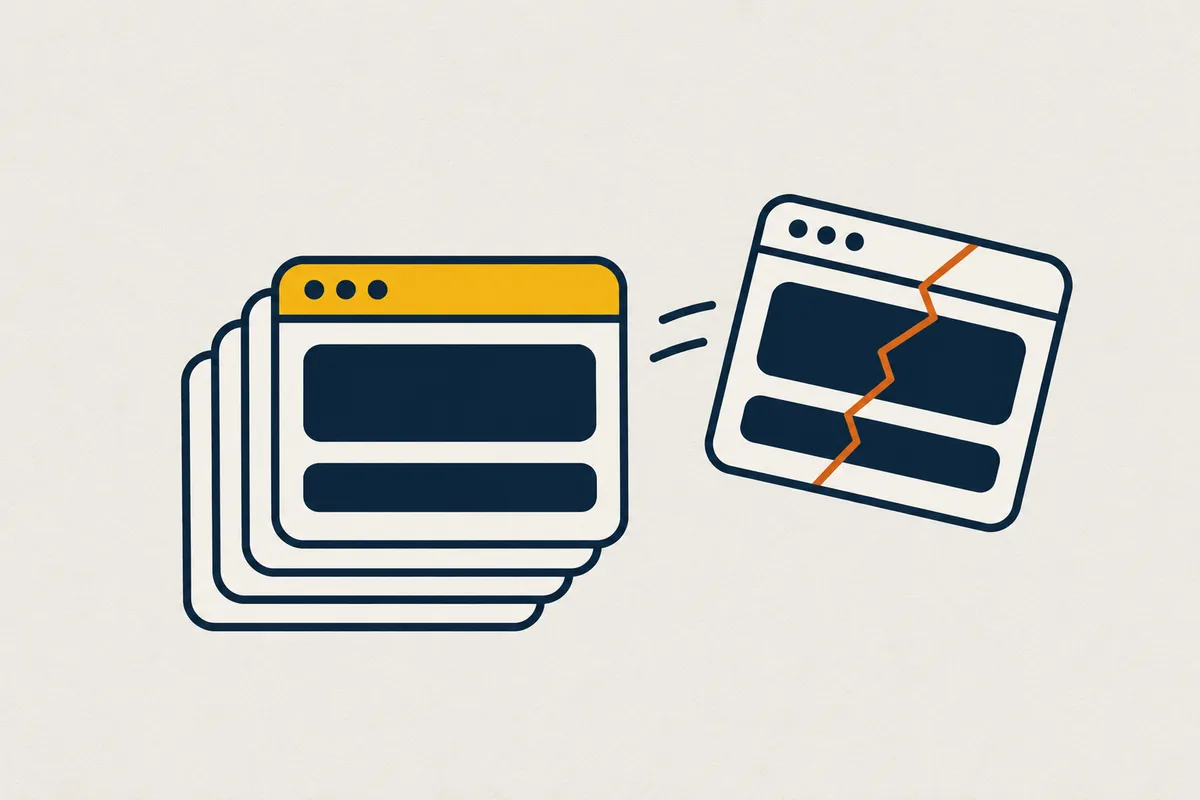
You, to your AI: Go back to the previous version.
When to use it
Use it when a version disappoints: go back to the previous one.
How it works
Each version is frozen, and the previous one stays ready: rollback switches traffic in one second during the 30 minutes after a deployment, in a few seconds afterwards. A version that fails its probe, or whose error rate rises, is withdrawn automatically.
What to know
The previous version stays warm 30 minutes after the deployment, if the service does not sleep. For a sleeping service, it sleeps too: rollback switches traffic at once, and its first request wakes it. Progressive deployment, in steps, is not offered.
Your agent’s MCP tools
Your agent handles it with the deploy_app and observe_app tools.