See every new version before production, like a staging environment (2026)
You want to see a version before it reaches production. Your AI opens a preview of every version, at its own address, with its own databases. It removes it after 24 hours, or after the time you set. Your colleagues point out what’s wrong, right on the page.
By Aloïs Oddon, co-founder of Nextmap. Facts checked on November 21, 2026.
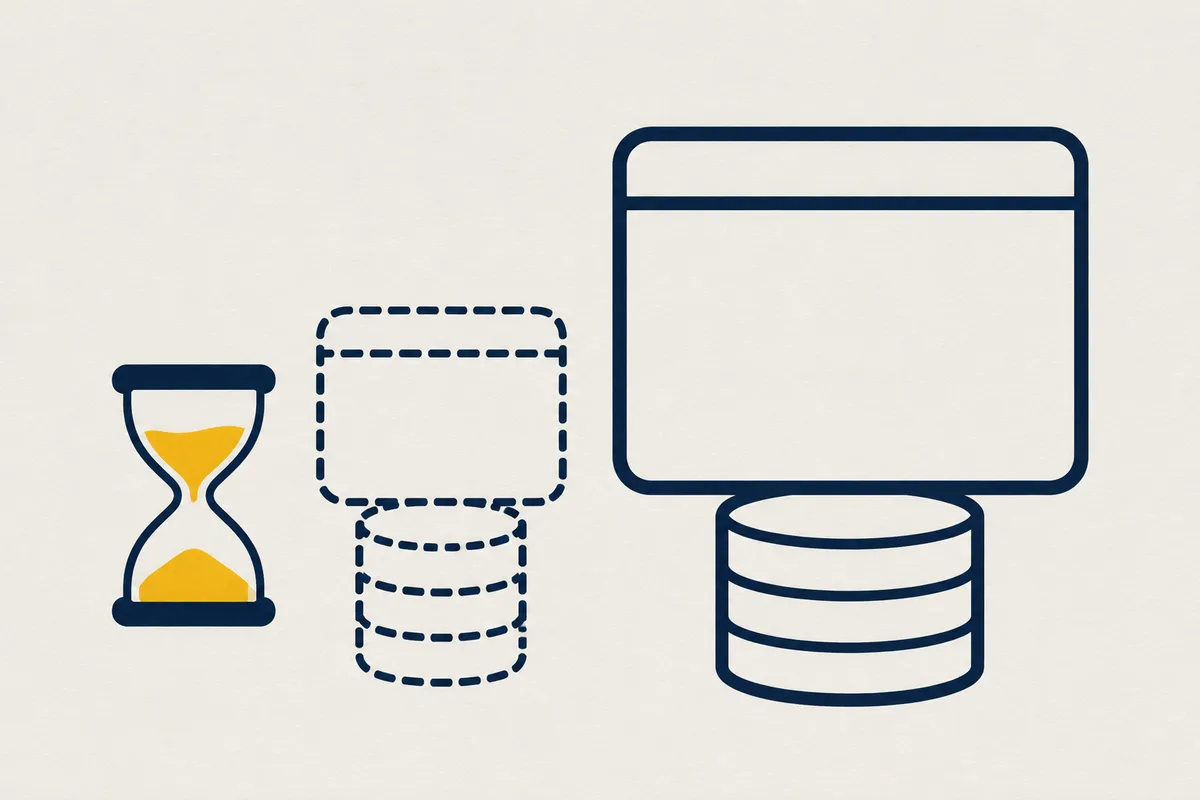
The short version. Your AI opens a preview of every version, with its own data. You look at it, comment on it, and then your AI puts it into production. What matters, like deleting a database, waits for a person’s approval.
Prerequisites
- An app deployed on while.
- Your AI, connected to while over MCP.
Step 1: Ask for a preview
You, to your AI: Show me the new page before you deploy it.
Your AI opens a preview and gives you its address, for example https://mon-appli-essai.while.cloud.
Step 2: Look at it, then approve
You try the new version. If you’re happy with it, your AI puts it into production. If not, it fixes the problem, and the preview follows.
What your AI does
A preview is your app as it runs in production, with its own variables and its own databases, empty by default, at its own address. It removes itself after 24 hours by default, or after the time you set, up to 30 days. Your production doesn’t notice a thing.
Try it with real data
You, to your AI: Open a preview with a copy of the production database.
Your AI copies the production database into the preview, from its latest backup, if your permissions allow it. Allow a minute or more, depending on its size.
Your scheduled jobs don’t run on schedule there: a nightly reminder would write to your real customers. Your AI runs them by hand when you want to try them.
Collect notes on the page
You, to your AI: Add the feedback button to the preview.
Your AI adds it to the preview, never to production. Your colleagues point out what’s wrong, right on the page, and your AI reads their notes to fix it.
<script src="/__while/retours.js" defer></script>Show the preview to a customer
You, to your AI: Open the preview to our customer, with a password.
Your AI makes the preview private. Then, on its page in while, you create a link that lasts 1, 7 or 30 days, with a password your AI will never see.
Go back to the previous version
You, to your AI: Go back to the previous version.
In the 30 minutes after a production release, the previous version comes back in a second. After that, it takes a few seconds. Once the previous version is back, your AI reads what broke in while’s logs, fixes it and deploys again.
In the docs: Git repository, Previews, Scheduled jobs and Versions and rollback.